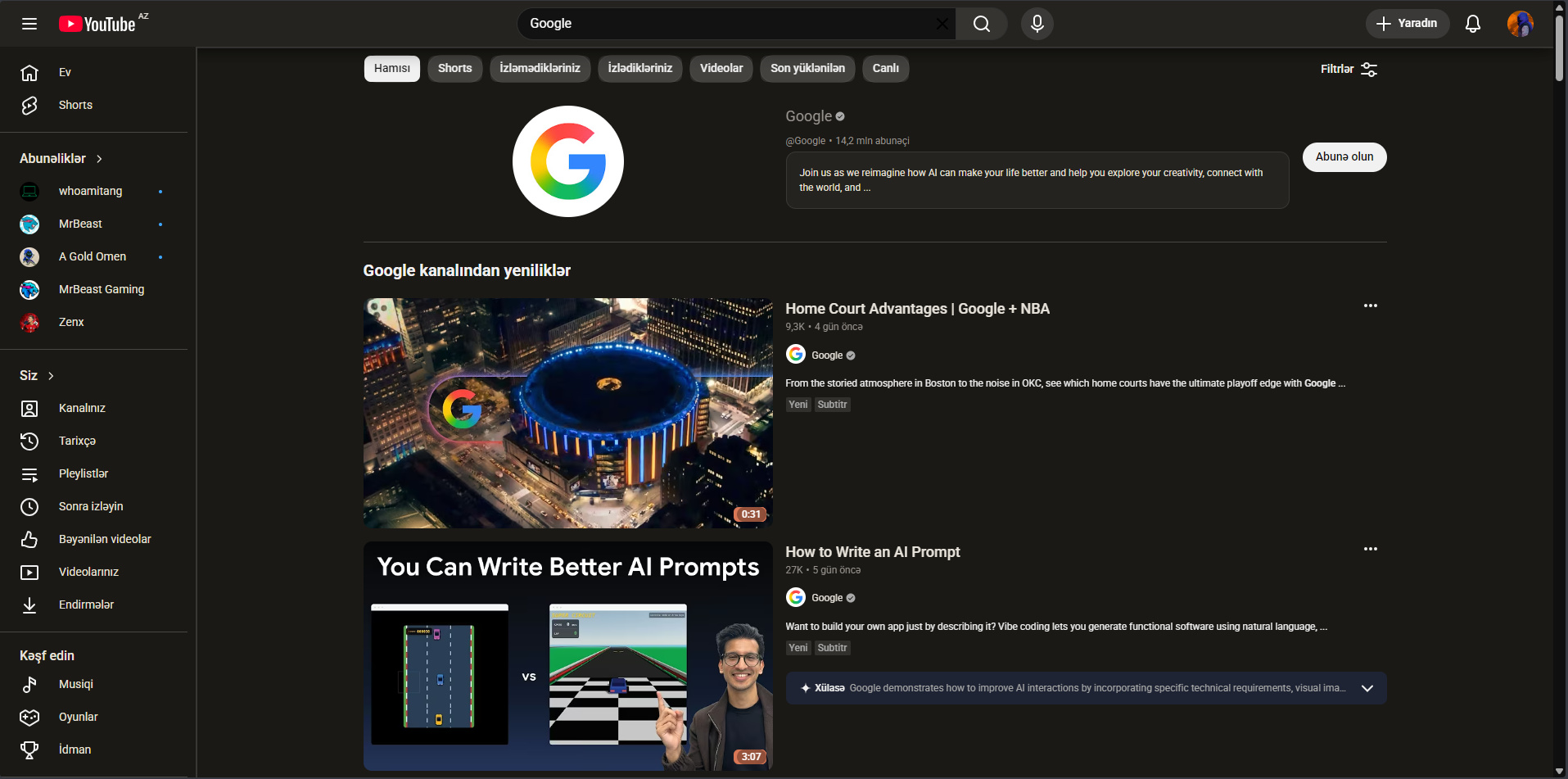
Inspired by Claude AI's visual identity. Terracotta, warm creams, and amber accents replace YouTube's harsh red with something that actually feels good to look at.
Warm terracotta replaces red accents
Cream & linen backgrounds throughout
Rounded, comfortable typography
Reduced eye strain in dark mode
Gemini theme — 02
Electric & Cosmic.
Inspired by Google Gemini's identity. Deep navy blues, electric teal, and ultraviolet accents turn YouTube into something that feels like it came from the future.
Electric blue replaces red accents
Deep navy dark mode backgrounds
Gradient teal-to-violet highlights
Crisp, geometric typography feel
How to install02 / 03
01
Download the repo
Clone or download the extension files from GitHub. No account or API key required — just the folder.
git clone github.com/axier-ROM/YouTube-Reskin
02
Enable developer mode
Navigate to Chrome's extension page and flip the developer switch. Takes three seconds.
chrome://extensions → Developer mode: ON
03
Load the folder
Click "Load unpacked", point to the extension folder, and your YouTube immediately transforms. Done.
Load unpacked → Select folder → Done ✓
Common questions03 / 03
Got questions? We have answers.
Yes — it's actively maintained against YouTube's current layout (v3). If YouTube pushes a design update that breaks something, a patch usually follows within days.
Not measurably. The extension is pure CSS injection — no JavaScript running on the page, no background services, no network requests. Your page speed is identical.
Each theme is a separate extension folder. Install both, disable the one you don't want — Chrome makes switching between them instant from the extensions toolbar.
Zero. The extension has no permissions beyond injecting a stylesheet into YouTube. It cannot read your watch history, account data, or anything else. The source code is public — verify it yourself.
No. It's MIT licensed and hosted on GitHub. Fork it, modify it, distribute it. Free forever means free forever.
Installing Claude Theme
3 steps and you're done.
No Chrome Web Store. No accounts. No permissions beyond injecting a stylesheet.
01
Download from GitHub
Clone or download the ZIP from the repository. Extract it somewhere you won't accidentally delete it.
02
Turn on Developer Mode
In Chrome, go to chrome://extensions. Toggle "Developer mode" in the top right corner.
03
Load Unpacked
Click "Load unpacked" and select the extension folder. Open YouTube — it's transformed.